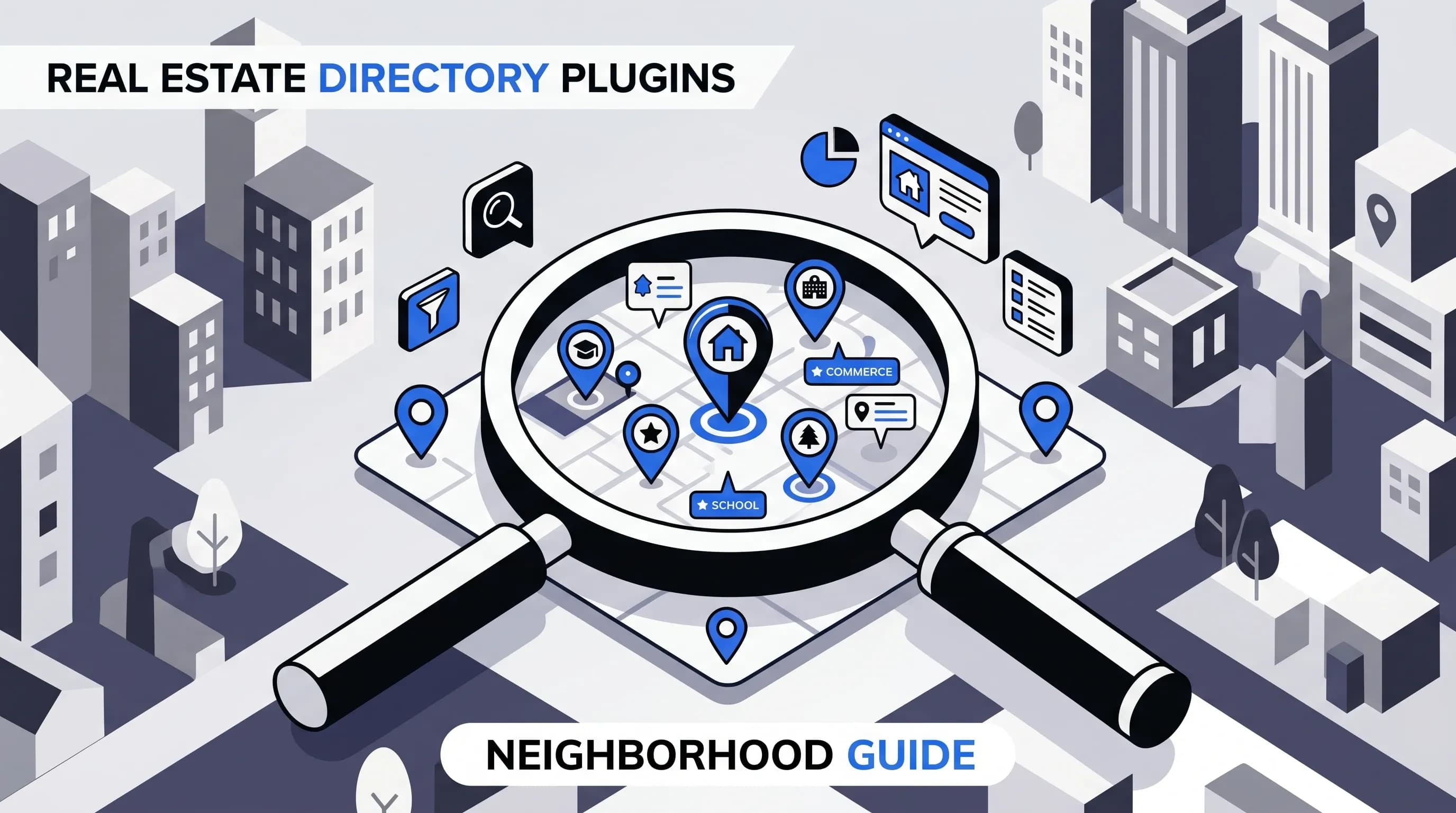
When we build a real estate website, we are not just publishing property listings. We are selling context, lifestyle, and local knowledge. That is why the best neighborhood directory plugins for real estate matter so much. They help us create neighborhood pages, area guides, community pages, suburb profiles, and hyperlocal content that gives buyers and sellers a real reason to trust our website.
Today’s buyers want more than beds, baths, and square footage. They want to know about schools, parks, restaurants, commute times, walkability, amenities, and the feel of a community. A strong neighborhood guide plugin or real estate directory plugin helps us organize that information into useful, searchable, map-based pages that also support local SEO, lead capture, and listing discovery.
After comparing the leading options and looking at how different plugin stacks actually work in practice, one thing becomes clear: there is no single plugin that is perfect for every real estate website. The right choice depends on whether we want a location-first neighborhood portal, a listing-first property website, or a fully custom WordPress real estate platform.
In this guide, we will break down the top options, compare features, explain what matters most, and show which plugin is best for each use case.
A neighborhood directory plugin is a WordPress tool that helps us create structured, location-based content. Instead of posting random pages about local areas, we can build organized directories for:
In real estate, that usually means creating neighborhood pages for real estate that include maps, local information, custom fields, and links to homes for sale. These plugins turn a generic site into a hyperlocal real estate website.
We usually think about this in two layers: first, how we structure area pages, maps, filters, listings, and custom data; second, which plugin gives us the best balance of flexibility, ease of use, and long-term growth. That distinction matters because some tools are better as pure directory software, while others are stronger as real estate listing systems with neighborhood support.
A neighborhood directory is not just a design upgrade. It is one of the most useful strategic assets we can build on a real estate website.
Detailed area guides, community pages, and location profiles show that we understand the market beyond listing data. Buyers want an agent who knows how people actually live in an area, not just what homes cost there.
Strong neighborhood pages can rank for long-tail searches such as:
That kind of hyperlocal SEO is hard to achieve with generic property archive pages alone.
Many visitors do not start with a precise property filter. They start by exploring. They want to compare areas, check commute patterns, review schools, and see what is nearby. A community guide plugin makes that discovery process much easier.
Neighborhood pages are natural lead capture pages because they combine useful local information with listings, forms, home valuation offers, and calls to action. When we connect those pages to a CRM, they become part of a real conversion system.
One of the biggest advantages of building neighborhood content on our own website is that we are not renting leads from third-party portals. Traffic, rankings, and authority stay with our domain. Over time, those pages become durable marketing assets.
Not every WordPress directory plugin is a good fit for real estate. The best options share a few critical features.
Neighborhoods are geographic by nature, so maps are essential. We should look for:
If we plan to display schools, restaurants, parks, and current listings on the same map, clustering becomes especially important.
A basic directory is not enough. We usually need custom fields for:
This is where some generic directory plugins fall short and where more flexible tools stand out.
If we want a polished neighborhood portal, we need visitors to filter by:
Advanced filtering is one of the biggest reasons some teams choose a custom stack instead of a simpler plug-and-play directory tool.
To support organic traffic, a plugin should work well with local SEO best practices. Useful features include:
If multiple agents, staff members, or local businesses contribute content, front-end submissions can save time. Moderation tools are just as important, especially if we allow public contributions.
For real estate, neighborhood content works best when it connects to live property data and lead follow-up. The ideal setup includes:
If we are building dozens or hundreds of neighborhood pages, we need a plugin that can scale. CSV import, taxonomy structure, location hierarchy, and bulk editing all make a major difference once the site grows.
After comparing the main options, we see a clear pattern. Some plugins are best for a true location-based directory. Others are better for a property listing website with neighborhood support. And some are best if we want to build a highly custom real estate neighborhood portal.
GeoDirectory is the strongest fit when our vision is a true neighborhood directory on WordPress. If we are organizing content around places, maps, city guides, local businesses, amenities, and area exploration, this plugin is built for exactly that.
GeoDirectory is especially compelling when we want to build a map-driven real estate portal or a city and neighborhood guide that can expand over time. If the long-term plan includes multiple markets, suburbs, or city profiles, that scalability becomes a major advantage.
It can support neighborhood guide content alongside local business listings, amenities, and even broader real estate site functionality. Depending on the stack, we can also incorporate features like:
We would choose GeoDirectory if we want:
If we want control more than convenience, JetEngine + JetSmartFilters is one of the smartest options. It is not a traditional one-click neighborhood guide plugin, but it may be the best solution for agencies, designers, and advanced WordPress users building a custom real estate portal.
This stack is especially useful when we want area pages that feel unique, not plugin-generic. We can build neighborhood detail pages with fields such as median home price, commute details, school ratings, architecture style, HOA fees, and featured listings in that area.
Real estate neighborhoods often require more structured information than a simple directory can handle. This setup lets us create a custom system around our exact process. That makes it ideal for premium real estate websites that need advanced dynamic content and custom filters.
We would choose JetEngine if we want:
WPL is one of the strongest real estate listing plugins for WordPress when our site is primarily about property listings and neighborhood pages support that experience.
WPL is not mainly a business directory plugin. It is a real estate listing framework. That means it shines when we want neighborhood pages to help organize and convert listing traffic rather than function as a full local business directory.
If our goal is a broader community directory with restaurants, parks, local services, and a geo-driven browsing experience, GeoDirectory or a custom JetEngine build will usually fit better.
Easy Property Listings is one of the best-known WordPress real estate plugins and a strong choice for agents who want a listing-first website with neighborhood enhancements.
The standout feature for this topic is its Location Profiles capability, which can add suburb, city, or neighborhood profile content tied to listings in that location. That makes it especially useful for agents who want a conventional real estate site but still need strong community pages and area profiles.
We would choose Easy Property Listings if:
Business Directory Plugin is a dependable choice when we want a simpler general-purpose directory rather than a deep real estate framework.
This plugin works well if our neighborhood site is more about recommended local businesses, relocation resources, sponsored vendors, and simple category browsing. It is less tailored to real estate listing workflows than WPL or Easy Property Listings, but it can still support local area pages and community resource directories effectively.
One practical drawback is that the listing submission process may feel clunky if we want a polished, sales-optimized front-end experience.
Directorist has become a serious contender among modern WordPress directory plugins. If we want a more current all-in-one builder with monetization and flexible directory types, it is worth considering.
Directorist looks especially attractive when we want speed, design flexibility, and monetization without building everything from scratch. It may beat older directory plugins on general ease of use, but GeoDirectory still has an edge when the project is deeply tied to maps and location-first browsing.
Estatik is more of a listing presentation tool than a classic directory plugin, but it is a strong option for smaller agencies that want polished property pages and neighborhood landing pages.
If presentation and usability are the priority, Estatik can work well. It is just not the first tool we would pick for a complex real estate directory with layered neighborhood content and local business data.
HivePress is a flexible directory plugin with a free core, making it attractive for smaller experiments, MVPs, or budget-conscious projects.
That said, serious long-term real estate portals will usually outgrow it or need several paid extensions. It is best viewed as a starter option rather than the final answer for a high-performance neighborhood pages for real estate strategy.
Several other tools come up in real estate and directory roundups, including:
Some of these are useful for maps, monetization, or submissions, but they are usually more niche. For example, WP Go Maps is excellent if the main need is interactive mapping, but it is not a full neighborhood content framework on its own. Sabai Directory is flexible and customizable, while Directory Pro is attractive if monetized listings are a priority.
| Plugin | Best For | Main Strength | Main Weakness |
|---|---|---|---|
| GeoDirectory | Location-based neighborhood directories | Maps, scale, local area architecture | More setup, add-ons may be needed |
| JetEngine + JetSmartFilters | Custom real estate neighborhood portals | Total flexibility and advanced filters | Higher complexity |
| WPL Realtyna | Brokerage and listing-first websites | Real estate workflows and listing structure | Less suited for broad community directories |
| Easy Property Listings | Traditional real estate sites with area profiles | Property listing system with location support | Add-ons often required |
| Business Directory Plugin | Simple local resource directories | Broad directory features and monetization | Submission flow can feel clunky |
| Directorist | Modern all-in-one directory builds | Ease of use, monetization, Elementor support | Less location-specialized than GeoDirectory |
| Estatik | Polished listing presentation | Clean property display and usability | Not a true neighborhood directory engine |
| HivePress | Budget and starter projects | Low-cost flexibility | Can be limiting at scale |
GeoDirectory. It is the strongest plugin-first option when we want a true real estate neighborhood directory with location hierarchy, maps, and room to scale.
JetEngine + JetSmartFilters. This is the best path when we want complete control over content architecture, dynamic templates, and advanced filtering.
WPL or Easy Property Listings. Both are real-estate-first tools that make sense when listings are central and neighborhood pages support the sales funnel.
Business Directory Plugin. A good fit when the goal is local businesses, recommended vendors, relocation resources, or sponsored placements.
Directorist. Strong for users who want a broader feature set, monetization, and builder support in one package.
HivePress. Reasonable for testing an idea before investing in a more advanced stack.
Even the best plugin will not create a winning neighborhood strategy by itself. We need a solid setup process.
Before building anything, organize data for each area:
If we plan to scale, a spreadsheet and import-ready structure will save a lot of time.
A simple way to think about it:
We should include the information buyers actually care about. That usually means more than generic descriptions. The best neighborhood pages answer practical questions quickly.
Each area page should have unique content, local photos, map displays, nearby amenities, and direct links to homes for sale. Copy-paste templates with shallow edits tend to underperform in SEO and conversion.
This is one of the most important steps. Neighborhood content should lead naturally to current listings, whether through IDX search links, embedded search widgets, or listing modules. Visitors should be able to learn about the area and browse homes without leaving the page.
Neighborhood pages work best when they include contact forms, consultation offers, listing alerts, or home valuation calls to action. Connecting these forms to a CRM turns content into a repeatable lead generation system.
Maps, forms, galleries, and filters need to perform well on mobile. A slow neighborhood page can ruin an otherwise excellent content strategy.
This usually happens when too many markers, oversized images, or weak hosting slow things down.
This is one of the biggest mistakes in hyperlocal SEO. If every page sounds the same, rankings usually suffer.
It is easy to combine a directory plugin, a map plugin, an IDX system, forms, SEO tools, and a CRM until the site becomes hard to maintain. That is why choosing the right foundation matters so much. In many cases, we are better off starting with either a strong geo-first directory or a strong listing-first plugin instead of patching together too many overlapping tools.
As the site grows, taxonomy structure and performance become serious issues. That is where scalable tools like GeoDirectory or a carefully planned JetEngine setup stand out.
WordPress plugins give us ownership and flexibility, but they also add complexity. A typical DIY stack may include:
At some point, a dedicated platform can make more sense. For example, tools like AgentFire package area guides, IDX, lead capture, and design into one system. That can reduce plugin conflicts and simplify support.
Still, if we want full control, lower software costs, and long-term ownership of our site architecture, a self-hosted WordPress setup remains very compelling.
Even the best neighborhood guide plugin for WordPress will not work if the content is thin. Each neighborhood page should ideally include:
This is where neighborhood pages become more than filler. Done well, they can rank for years, support organic traffic, and create qualified buyer inquiries.
If we are choosing the best neighborhood directory plugins for real estate, the shortlist is clear.
For most serious neighborhood-focused real estate sites, GeoDirectory stands out as the best overall plugin-first solution. If we need deeper customization, JetEngine is the better choice. If our site is primarily about homes and listing search, WPL or Easy Property Listings will often be the smarter fit.
The bigger takeaway is simple: neighborhood pages are not just nice extras. They are durable marketing assets. When we build them well, they improve local SEO, strengthen authority, support lead generation, and make our real estate website far more useful than a basic listing search alone.

Hey, in Propphy we're determined to make a business grow. My only question is, will it be yours?
It's totally free, with no commitments
Hey, in Propphy we're determined to make a business grow. My only question is, will it be yours?
It's totally free, with no commitments