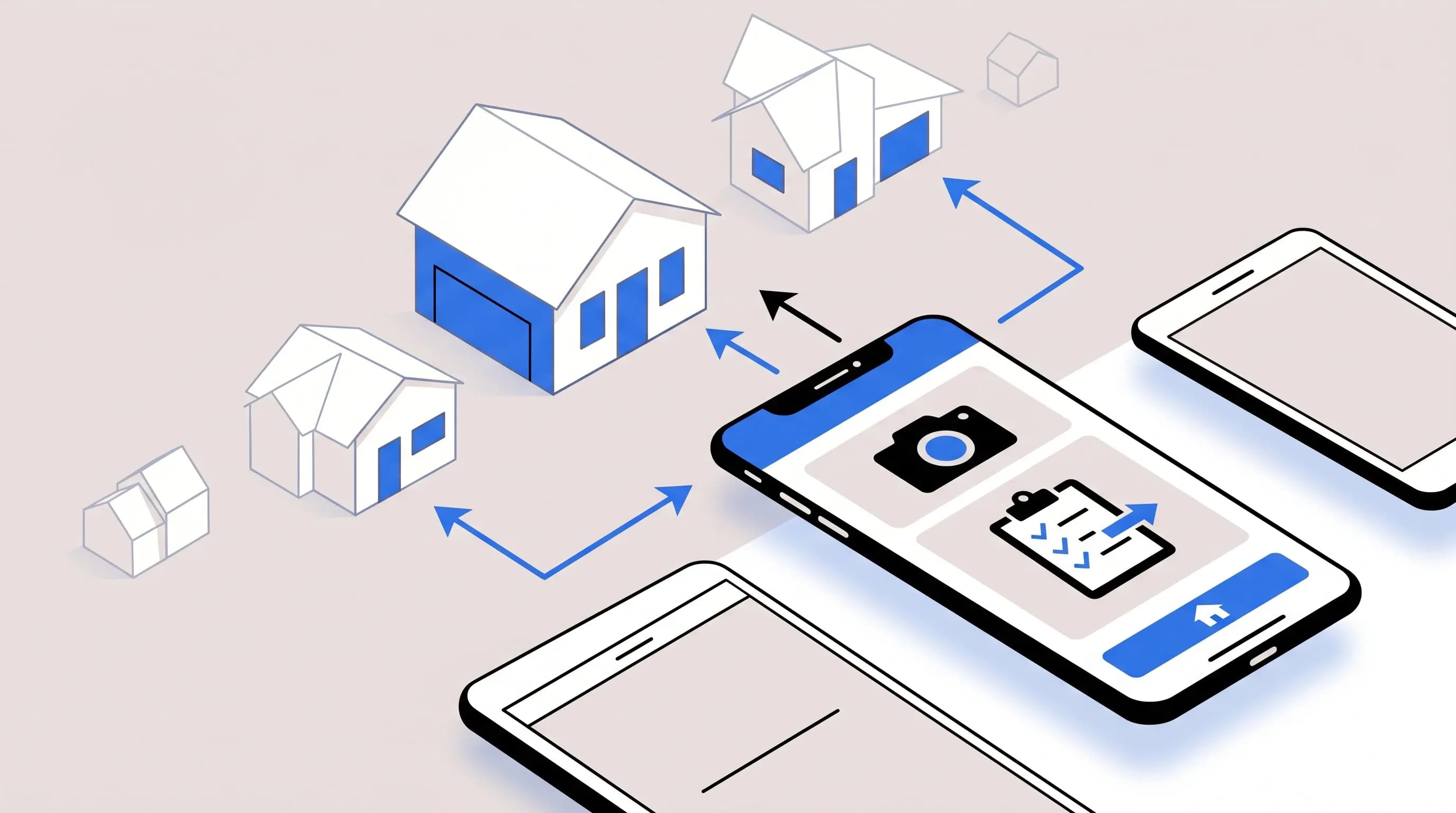
Property inspections used to mean clipboards, handwritten notes, separate cameras, and hours of admin after we got back to the office. Today, a good property inspection app turns that entire process into a mobile workflow we can run from a tablet or smartphone. We can complete a digital inspection checklist, capture photos and video, annotate defects, generate reports, and often assign follow-up tasks before leaving the property.
That shift matters for property managers, home inspectors, landlords, facility managers, and real estate professionals. The faster we document a unit, the faster we can communicate with owners, tenants, clients, and maintenance teams. And in practice, that speed is only half the story. The other half is report quality. A polished report is not just paperwork; it is part of the service we deliver, and in many cases it helps build trust, reduce disputes, and even win more business.
In this guide, we break down five property inspection apps for your tablet or smartphone, explain the features that matter most, and show how to choose the right property inspection software for your workflow.
A property inspection app is mobile inspection software that lets us perform digital inspections instead of relying on paper forms. These apps are designed for field use on phones and tablets, making it easier to document residential inspections, commercial property inspections, move-in and move-out reports, maintenance checks, and property condition assessments.
Most mobile inspection apps help us:
Some tools are simple inspection checklist apps. Others are full inspection management software platforms with scheduling, analytics, dashboards, issue tracking, and collaboration for teams.
The old workflow is painfully inefficient. We schedule inspections manually, print forms, carry a clipboard, juggle notes and photos, return to the office, upload media, match photos to observations, and then type a report from scratch. That process does not scale, and it creates too many chances for missed details or inconsistent reporting.
A strong home inspection app or rental property inspection software removes that friction by bringing data collection, documentation, and reporting into one place. It also helps standardize how a team works. That is especially important when we have multiple properties, recurring inspections, or a mix of field staff and office staff who all need access to the same information.
Just as important, the report itself is part of the product. When clients, owners, or tenants receive a clear, photo-rich, professional report, communication gets easier. That can improve confidence, support liability protection, and make our service look more polished.
Not every inspection app is built the same. Some are basically digital forms tools. Others are full audit and inspection platforms with corrective action tracking, recurring scheduling, and inspection analytics. Before we compare the top apps, here are the features that matter most in the field.
Offline support is one of the most important features in any mobile inspection app. Basements, rural properties, concrete buildings, utility rooms, and vacant units often have weak service. The best apps let us start a new inspection offline, capture photos and signatures, and sync later. Anything less can become a problem at exactly the wrong moment.
Visual documentation is central to modern real estate inspections. We want an app that lets us take photos directly inside the report, annotate them with arrows or circles, and attach video when needed. Some apps also support 360-degree photos, which can be useful for larger rooms, unit condition documentation, and commercial property inspections.
A good inspection checklist app should not force us into one rigid template. We want customizable templates, reusable inspection templates, and ideally a comment library that speeds up reporting. Searchable comments are a major time saver because we do not want to retype the same observations on every job.
The best inspection reporting software turns field notes into a readable report quickly. Some apps produce branded PDF reports immediately. Others offer both HTML and PDF outputs. If reporting is the core deliverable, this feature deserves extra weight.
If we manage multiple units or sites, recurring scheduling and workflow automation become essential. This is where a full inspection management software platform can outperform a simple forms tool.
Finding an issue is only the start. For property managers and facility teams, what matters next is assigning maintenance tasks, tracking corrective actions, and proving they were completed.
Some users inspect on a phone, review on a tablet, and finalize at a desktop. The strongest cloud-based inspection software works well across all three. That flexibility matters if we move between office and field often.
Both work, but they do not offer the same experience. A smartphone is convenient and affordable because we already carry one. A tablet, however, often gives us a better inspection workflow.
In many real-world inspections, tablets have the edge because they make the report easier to read onsite and create a more professional presentation. That matters when we walk a buyer, owner, or tenant through the findings. Phones still work well, but smaller screens can slow down data entry and make client review less effective.
The five apps below stand out because they consistently appear in discussions of the best home inspection apps, property inspection software, and mobile inspection applications for field use.
Happy Property, part of the HappyCo platform, is one of the strongest options for organizations handling a large number of units. This is not just a simple property inspection app; it is closer to a portfolio-level inspection platform for recurring inspections, issue management, and operational follow-up.
One of HappyCo’s biggest strengths is standardization at scale. If we need to inspect many units across a portfolio and want the same process every time, this kind of property management inspection software is hard to ignore. It also fits teams that care about compliance documentation and centralized project communication, not just one-off reports.
HappyCo is also a good example of how inspection software can become a broader operations tool. For teams managing properties daily, the value is not only in data capture, but in what happens after the inspection: tasks, communication, and visibility across sites.
Pricing is custom and typically subscription-based, with charges per unit per month and a minimum requirement that makes it more suitable for larger operations than for solo inspectors.
zInspector is one of the most mobile-friendly apps in this space and one of the easiest to recommend for users who want a practical, media-focused property inspection app with report generation. It is especially strong for property managers, leasing teams, and move-in move-out inspection workflows.
The biggest reason many users choose zInspector is simple: visual evidence matters. When we are documenting damage, unit condition, or turnover status, media capture often matters as much as the written comments. zInspector leans into that strength.
It also benefits from strong usability across devices. That matters because some apps say they are cross-platform but feel awkward on one screen size or another. zInspector has built a reputation for being easier to use whether we are in the office or in the field.
Home Inspector Pro is one of the best-known names in home inspection software and is especially well suited to professional inspectors whose main deliverable is a polished, client-facing report. If our focus is formal reporting rather than property management operations, this is one of the strongest choices available.
One reason Home Inspector Pro stands out is that it understands the report is the product. That makes it particularly attractive to inspectors who need detailed inspection documentation tools and polished deliverables for buyers, agents, and clients.
It also aligns well with a faster reporting workflow. Comment libraries, customizable templates, and the ability to annotate photos inside the report are all practical field features, not just marketing extras. For inspectors trying to reduce evening report-writing time, that matters a lot.
A 30-day free trial is typically available, with paid plans starting around $74 per user per month.
iCloudFIS is a more specialized cloud-based inspection software option designed for coordinated team workflows. It is less mainstream than some other brands, but its feature set suggests it is aimed at organizations that need shared checklists, floor plans, and dashboards across multiple inspectors.
iCloudFIS appears to be less about mobile polish and more about process control. If we are managing a multi-user field operation, that can be more important than having the flashiest interface. The real appeal is centralized visibility: who inspected what, what issues were found, and what needs to happen next.
The available pricing information suggests a monthly plan plus a significant sign-up fee, with custom pricing for larger teams. That makes it a more specialized choice rather than an entry-level option.
The Inspection Manager, often called TIM, is a flexible mobile inspection software platform that works well for property managers and field teams needing real-time cloud reporting. It is also one of the more affordable tools in this group based on publicly referenced pricing.
TIM is appealing because it balances affordability with useful operational features. It is not only about writing reports; it is about moving information from field staff to the rest of the organization quickly. That makes it a practical choice for companies that want one inspection platform across different workflows.
A trial is usually available, with pricing often referenced at roughly £20 per user per month plus VAT when billed annually, though regional figures can vary.
| App | Best For | Strengths | Possible Drawback |
|---|---|---|---|
| Happy Property / HappyCo | Large property management portfolios | Recurring inspections, dashboards, tasks, analytics | Better for larger portfolios than solo users |
| zInspector | Property managers and move-in/move-out inspections | Unlimited photos/video, strong mobile usability | Less enterprise depth than some platforms |
| Home Inspector Pro | Professional home inspectors | Polished reports, templates, specialty inspection support | Less focused on property management workflows |
| iCloudFIS | Multi-user inspection teams | Cloud coordination, dashboards, floor plans | Higher setup costs |
| The Inspection Manager | Cloud-first property and field teams | Real-time reporting, branding, flexible use cases | Less specialized for formal home inspection reporting |
This is one of the most important distinctions when choosing property inspection reporting software. Many apps promise photos, reports, and offline inspections. But there is a big difference between a tool that simply digitizes the checklist and a platform that helps us manage the entire inspection lifecycle.
A solo inspector may care most about speed, templates, and polished reports. A regional property management company may care more about workflow automation, maintenance tasks, and portfolio-wide oversight.
The best property inspection software for property managers is not always the best home inspector software for an independent inspection business. We should choose based on workflow, not just feature lists.
We manage many units and need recurring inspections, standardized checklists, dashboards, and strong maintenance follow-up.
We want an easy-to-use mobile inspection app with photo capture, video support, and strong performance for property condition documentation.
We are a professional home inspector focused on producing formal, polished reports for clients and agents.
We run a coordinated inspection team and need shared cloud workflows, floor plans, and admin dashboards.
We want affordable, cloud-based real-time reporting with branded outputs and flexible use across different field inspection scenarios.
Even though this article focuses on five standout apps, there are several other relevant options in the broader digital inspection software market.
There are also no-code alternatives, such as building custom mobile forms with platforms like Jotform Apps. That approach can work well if we have very specific inspection workflows or branding needs, though it may not match a specialized platform in analytics, issue tracking, or compliance controls.
It depends on the use case. For professional inspectors, Home Inspector Pro is one of the strongest report-driven options. For property managers who prioritize media capture and ease of use, zInspector is a top choice. For larger portfolios, HappyCo stands out.
Some do, but not all offline modes are equal. The best mobile inspection apps support true offline inspections, including starting a new report, taking photos, and syncing later.
No. They are used by property managers, landlords, facility managers, leasing teams, maintenance staff, and real estate professionals for everything from move-in reports to recurring facility audits.
Yes. Most major inspection report apps generate PDF reports, and some also offer branded reports, HTML reports, or web-based sharing.
Often yes, especially if we review findings with clients. A tablet gives us a larger screen for comments, photos, and videos, while a smartphone is more portable and cheaper to start with.
Property inspection apps for tablets and smartphones are no longer a nice extra. They are the default way to run efficient, professional, paperless inspections. The best tools save time, improve report quality, strengthen documentation, and make communication easier across owners, tenants, clients, and teams.
If we need a shortlist, these are the five core picks:
In the end, the best property inspection app is the one that fits how we actually work. If our biggest problem is report writing, we should choose the strongest reporting tool. If our biggest problem is follow-up across many units, we should choose a platform with scheduling, task assignment, and analytics. And if we regularly inspect in weak-signal locations, true offline mode should be non-negotiable.
Choose based on workflow first, features second, and we will be far more likely to end up with software that actually makes inspections faster, clearer, and more professional.

Hey, in Propphy we're determined to make a business grow. My only question is, will it be yours?
It's totally free, with no commitments
Hey, in Propphy we're determined to make a business grow. My only question is, will it be yours?
It's totally free, with no commitments