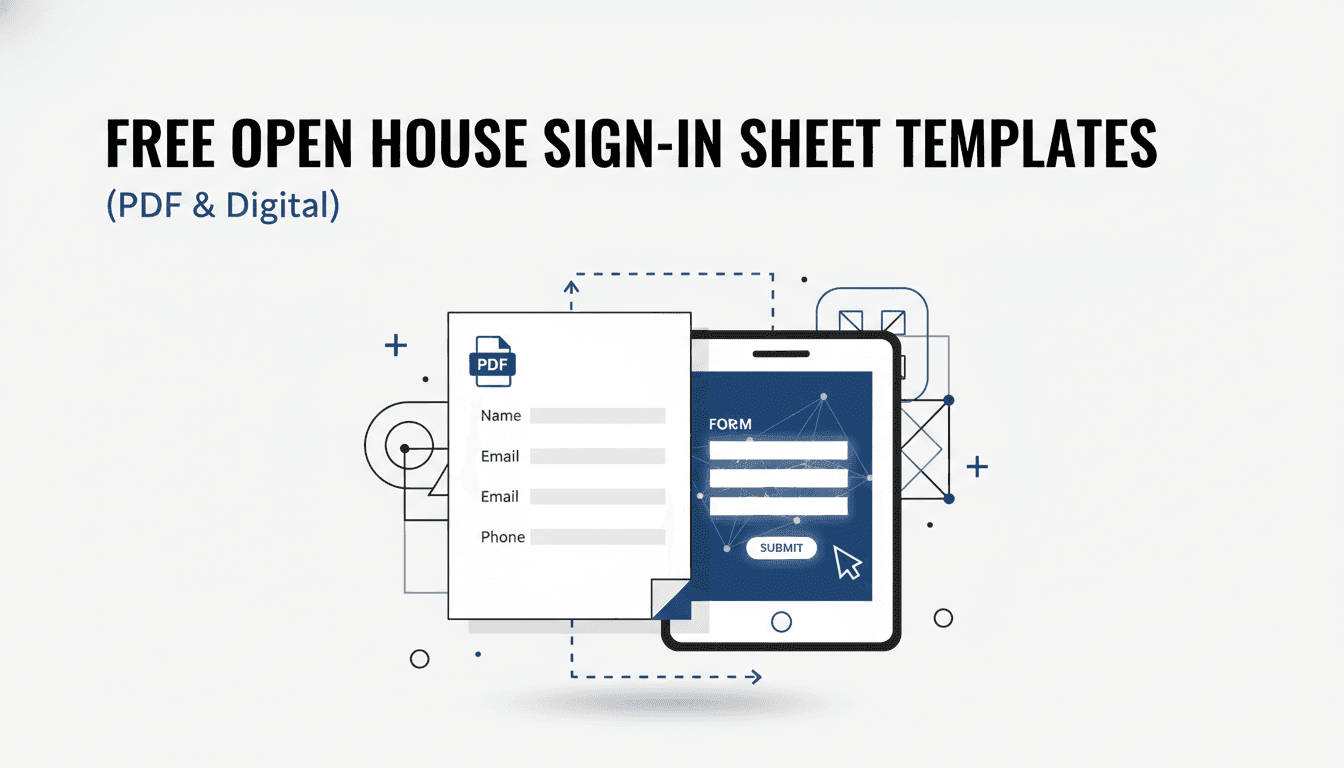
When we host an open house, the sign-in sheet is our quiet MVP. It’s more than a visitor log—it’s a real estate lead capture system, a feedback form, and a professionalism signal all rolled into one. Used right, a simple open house sign-in sheet turns “just browsing” guests into organized, trackable opportunities for future business.
In this guide, we’ll walk through exactly how we structure our open house visitor sign-in sheets, when we use basic vs detailed templates, how we set them up (paper and digital), and how we turn those names into closed deals. You’ll also find practical tips we’ve learned from real open houses: what actually gets people to sign in, how we avoid awkward moments at the door, and how we protect guest information.
An open house sign-in sheet (or open house visitor log, guest sign-up sheet, registration form—call it what you like) is the form we use to collect details from everyone who walks through the door. It can be a printable PDF on a clipboard, a tablet form, or a QR code that sends people to a digital sign-in page.
At a minimum, a real estate open house sign-in sheet captures:
We treat it as a core piece of our open house marketing and lead generation strategy for a few reasons:
We use different versions depending on the property and traffic expectations, but all our open house sign-in templates are built from the same core fields.
For a simple or basic open house sign-in sheet, we never skip these fields:
On busy weekend opens, this simple open house sign-in form is our go-to: it’s quick to fill out, easy to explain, and reduces friction at the door.
When we want to turn the sheet into a mini client information questionnaire (especially for higher-end or niche listings), we add:
These fields transform a basic open house guest sign-in sheet into a powerful lead capture form. We’ve seen follow-up response rates jump when our first outreach references specifics they shared: price range, neighborhood wish list, or timeline.
On listings where we know pricing or condition is a conversation, we use a feedback-focused open house sign-in sheet layout that includes:
We’ve brought sellers detailed post-open-house reports summarizing visitors’ comments using exactly this structure—it’s much more effective than “our opinion” when discussing price reductions or improvements.
For open house giveaway sign-in sheets (fishbowl / raffle style), we streamline it to encourage participation:
We keep the prize simple and local (for example, a gift card to a nearby cafe or home decor store) and clearly state when we’ll draw the winner. This tends to significantly increase the percentage of guests who sign in—especially at busy opens.
We always include a short privacy and consent note at the bottom of our open house sign-in sheet PDF or digital form. Something like:
By providing your information, you agree that [Your Name/Brokerage] may contact you regarding this property, similar properties, and local real estate updates. Your information will be kept confidential and will not be sold to third parties. You can opt out of communications at any time.
In stricter privacy jurisdictions, we link to our full privacy policy and add an explicit opt-in checkbox for ongoing marketing. This protects guests and us, and it actually builds trust when visitors see that we take data privacy seriously.
We keep a small library of ready-to-use open house sign-in sheet templates—both printable and digital—that we rotate depending on the situation.
Goal: Capture as many contacts as possible with minimal friction.
Typical fields: Name | Email | Phone | Working with an agent? | How did you hear about this open house?
We use this when:
This is also the style we recommend if you’re creating your first simple open house sign-in sheet PDF—you’ll actually use it at every property.
Goal: Deeply qualify visitors for tailored follow-up and long-term nurture.
Extra fields we add:
We use this when:
We’ve found that, digitally, guests are willing to answer more detailed questions than they are on a crowded clipboard. That’s why this “detailed” version is typically our digital open house sign-in form, not our paper one.
Goal: Collect structured feedback to help adjust pricing, staging, and marketing.
Key components:
We use this when:
A small tweak we make here: we often move this sheet off the front door and place it in the kitchen, where guests naturally pause longer, making it feel more like a “feedback card” than a gatekeeping tool.
Goal: Maximize sign-ins and build a database quickly.
Structure:
We use this when:
After the event, we always follow a simple system: call the winner personally (a great excuse to build rapport), then send a thank-you and follow-up message to everyone who entered.
We’ve tested everything from classic clipboards to fully mobile, QR-code-driven systems. Both paper and digital open house registration sheets have their place; we almost always have both available.
Pros:
Cons:
We keep a stack of printable open house sign-in sheet PDFs in our bag as a universal backup. Even when we plan a fully digital sign-in experience, we’ve learned the hard way that batteries die and hot spots fail at the worst times.
Digital sign-ins can be as simple as a Google Forms open house sign-in template on a tablet, or as polished as a dedicated open house sign-in app with full CRM integration.
Pros:
Cons:
We lean toward digital open house sign-in platforms for most urban and suburban properties, but always pair them with a minimalist paper sign-up sheet as backup for tech-shy visitors.
The form itself matters—but how we present and use it matters more. Over time, we’ve refined a few best practices that consistently increase sign-ins without making guests feel pressured.
We’ve found that when the sign-in station looks professional and intentional (not just a random sheet on a chair), guests are much more willing to comply.
We never just point to the open house sign-in sheet and hope. We use a simple, friendly script, such as:
“Hi, welcome in! Before you head through, would you mind signing in here? It helps us keep a record for the seller, and we’ll send you any updates on this home and similar ones in the area.”
If we’re using a giveaway sign-in sheet:
“We’re doing a quick drawing for a $25 gift card to the local café. Just pop your info in here to enter, and we’ll also send you details on this place and a couple of similar homes if you’d like.”
We’ve learned that being transparent about why we’re asking—and promising not to spam—diffuses most hesitation right away.
We don’t create a confrontation at the door. If someone seems reluctant, we’ll say something like:
“No problem at all—signing in just helps me keep track for the seller and follow up with any important updates. You’re welcome to take a look even if you’d rather not leave your info.”
Sometimes we offer a low-friction alternative:
We’ve found we actually convert a fair number of “no thanks” guests later in the tour once they’ve built some rapport with us.
Our realtor open house sign-in sheet always includes: “Are you currently working with a real estate agent?”
We use this to respect existing relationships and comply with the spirit of the NAR Code of Ethics. Our approach is:
One of the biggest issues with a paper open house visitor sign-in sheet is unreadable handwriting. To minimize this, we:
If we can partly read an email or number but aren’t sure, we try to reconstruct it from context (conversations, business cards, etc.) as soon as we get back to the office.
The real value of any open house sign-in sheet template—basic or detailed—is unlocked after everyone goes home. Our process is consistent regardless of format.
Whether we’ve used a printable open house sign-in sheet PDF or a digital open house sign-in app, we aim to have all attendees logged into our CRM the same day.
We tag each contact with:
When we use a digital sign-in form connected to our CRM, this step becomes almost automatic, which is one of the reasons we favor digital in our ongoing systems.
We send a short, friendly message to every attendee within a few hours or by the next morning at the latest. For example:
We’ve noticed that this same-day follow-up dramatically increases engagement and opens the door to deeper conversations.
Using the qualification fields from our open house lead capture sheet, we identify our most promising guests (short timelines, no agent, aligned price range). Within a couple of days we:
Because we can reference their own words from the sign-in form (“you mentioned a 3–4 month timeline and needing a home office”), these conversations feel personalized instead of generic.
Not everyone is ready to buy or sell right away, and that’s okay. For longer timelines, we add them to relevant nurture sequences:
Over time, our simple open house contact sheet becomes a growing, segmented database of warm contacts in our market.
When we use an open house feedback sign-in sheet, we compile the responses into a brief seller report:
This kind of structured feedback often makes pricing and improvement discussions much easier—and sellers appreciate seeing real market reactions rather than vague impressions.
Any time we collect personal information on an open house guest sign-in sheet, we treat it as client data that must be protected.
We keep it simple and honest:
We’ve found that most visitors are fine with sharing info when they understand the purpose and see that we handle data professionally.
Depending on your location, you may need explicit consent before adding people to ongoing email or text campaigns. Our solution:
Whether we’re using digital or paper sign-in sheets, we follow a few basic rules:
This isn’t just about legal compliance; it’s also about maintaining the trust that ultimately leads to long-term client relationships.
If you’ve been using a paper realtor open house sign-in sheet and want to modernize, the transition can be straightforward.
Common options we see agents use successfully:
We build our digital form using the same structure as our best-performing paper templates:
We prioritize multiple-choice and checkboxes over long text boxes because they’re faster on mobile and give us cleaner data.
Digital sign-ins work best when they’re extremely easy to access:
We keep the instruction line short and clear: “Scan to sign in and get full details, photos, and updates on this home.”
Before guests arrive, we quickly:
This simple routine has saved us from more than one tech mishap at the door.
There’s usually no law that says you must, but from a professional and business standpoint, we treat an open house sign-in sheet as non-negotiable. It’s our only systematic way to track visitors, generate leads, and provide structured feedback to sellers.
Digital is usually better for data quality, speed, and CRM integration. That said, we still bring a simple printable open house sign-in sheet PDF to every property as a backup and for guests who prefer paper.
Yes—and it’s one of the easiest systems to implement. A QR code open house sign-in form is fast, contactless, and routes data straight into your spreadsheet or CRM.
We explain briefly why we’re asking and how we’ll use (and protect) their information. If they still prefer not to sign in, we let them tour anyway. The relationship is more valuable than one email address.
We use a small table or surface near a natural stopping point: entry foyer, kitchen island, or a wide hallway near the front. The key is visibility without crowding the door.
We keep contact information as long as it’s relevant to our business and in line with our privacy policy. Paper sheets are digitized and then shredded; digital records are stored securely and updated over time.
With the right open house sign-in sheet—whether it’s a minimalist paper template or a modern digital form—you can turn every open house into a structured lead-generation and feedback engine. Design your sheet thoughtfully, present it professionally, follow up relentlessly, and your “visitor log” becomes one of the most valuable marketing tools in your real estate toolkit.

Hey, in Propphy we're determined to make a business grow. My only question is, will it be yours?
It's totally free, with no commitments
Hey, in Propphy we're determined to make a business grow. My only question is, will it be yours?
It's totally free, with no commitments