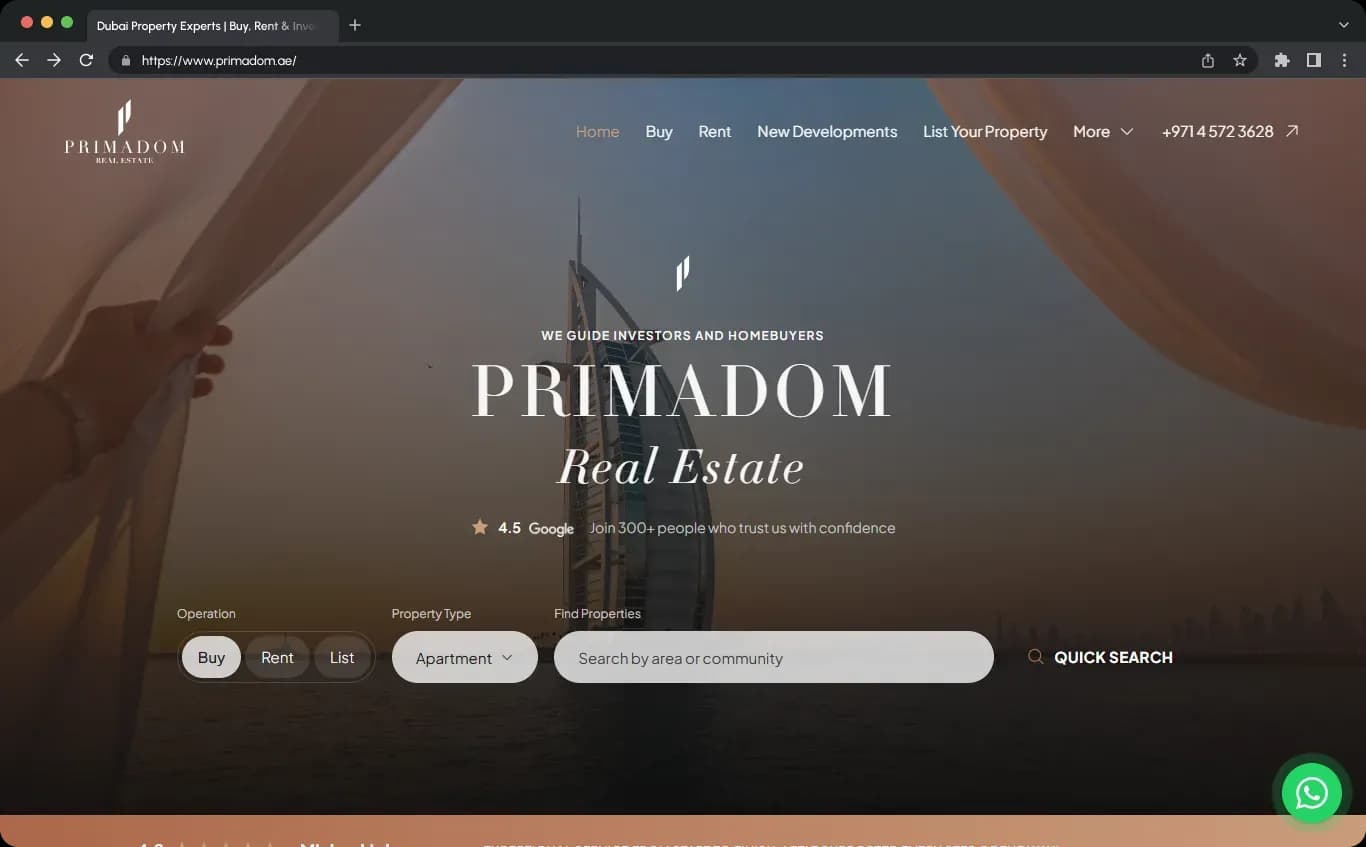
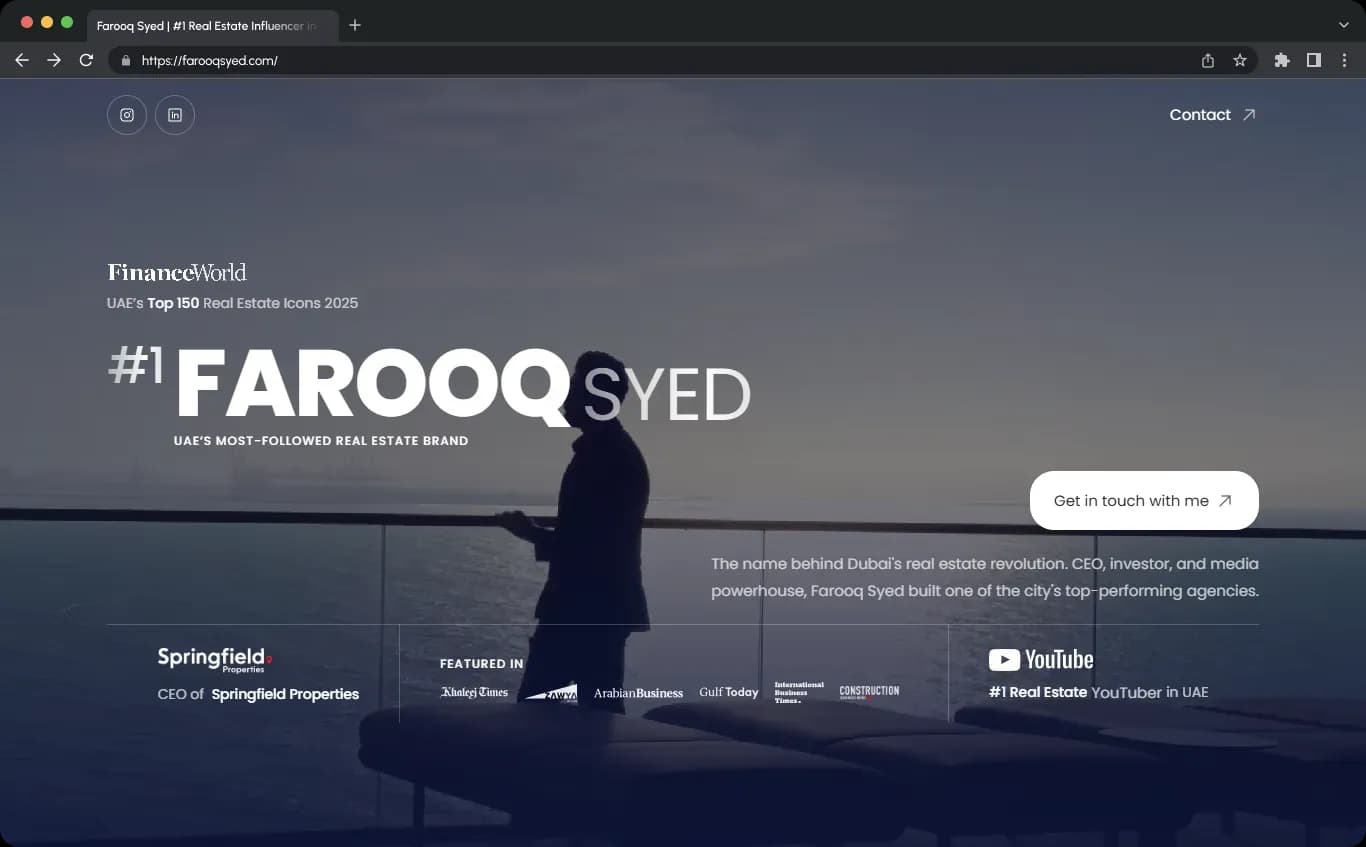
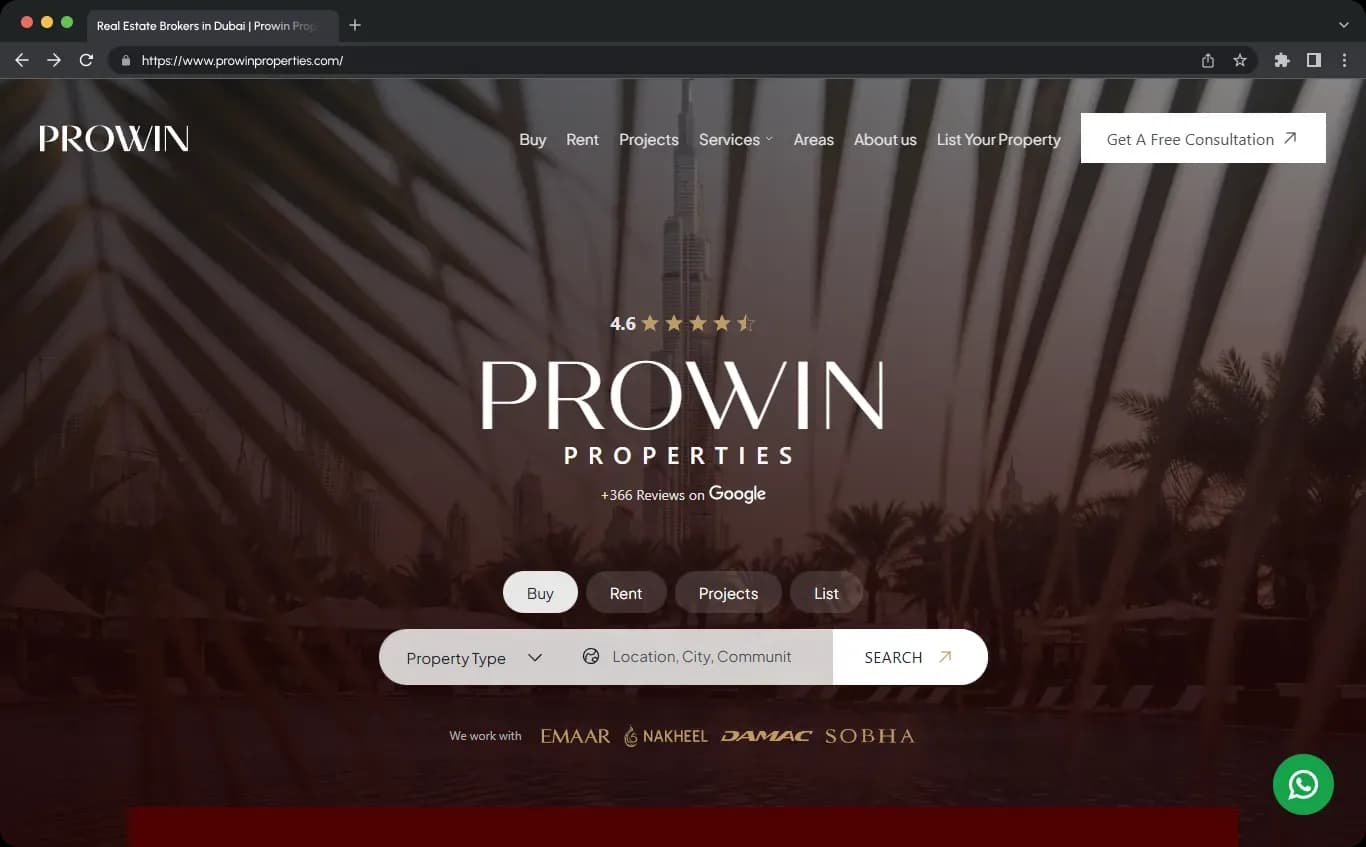
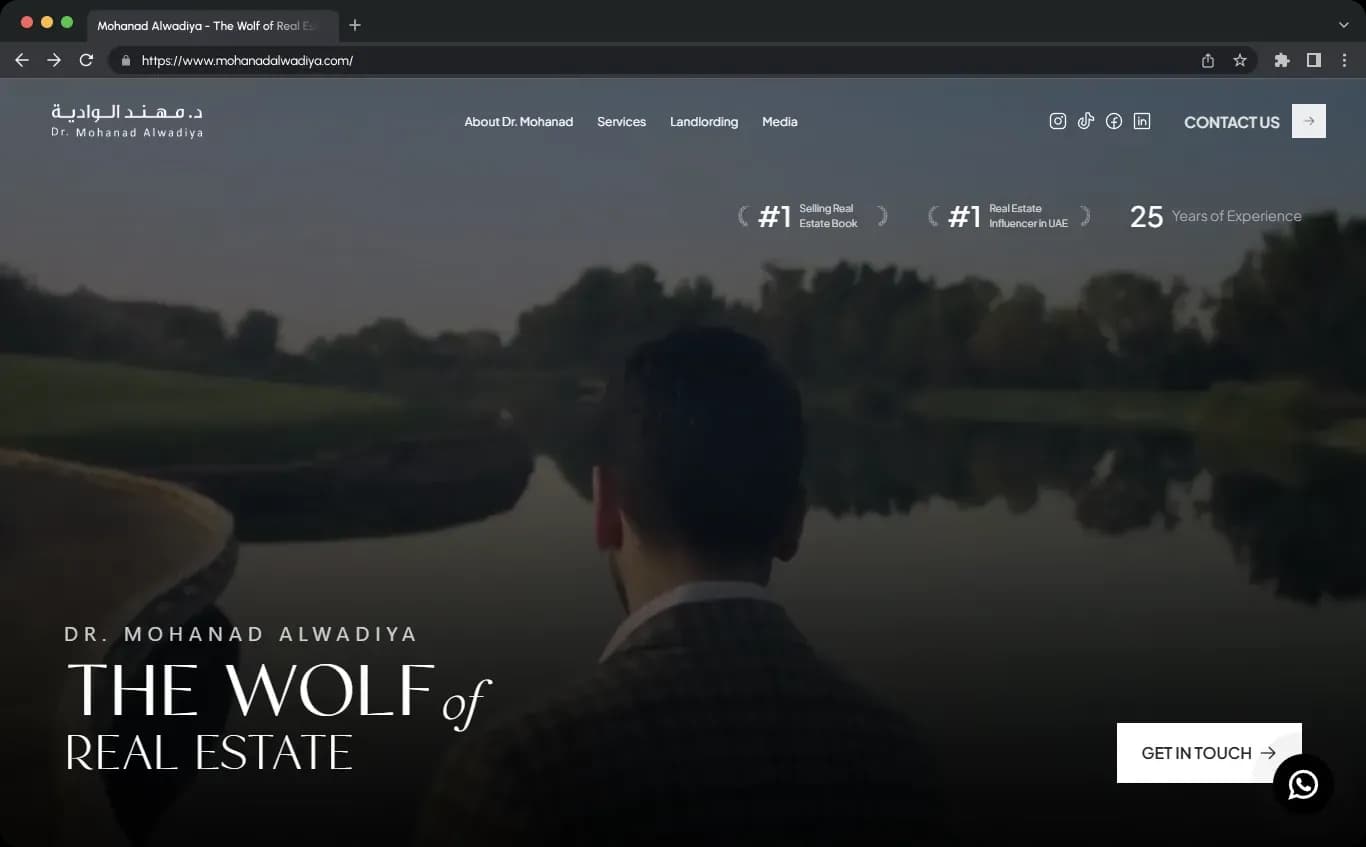
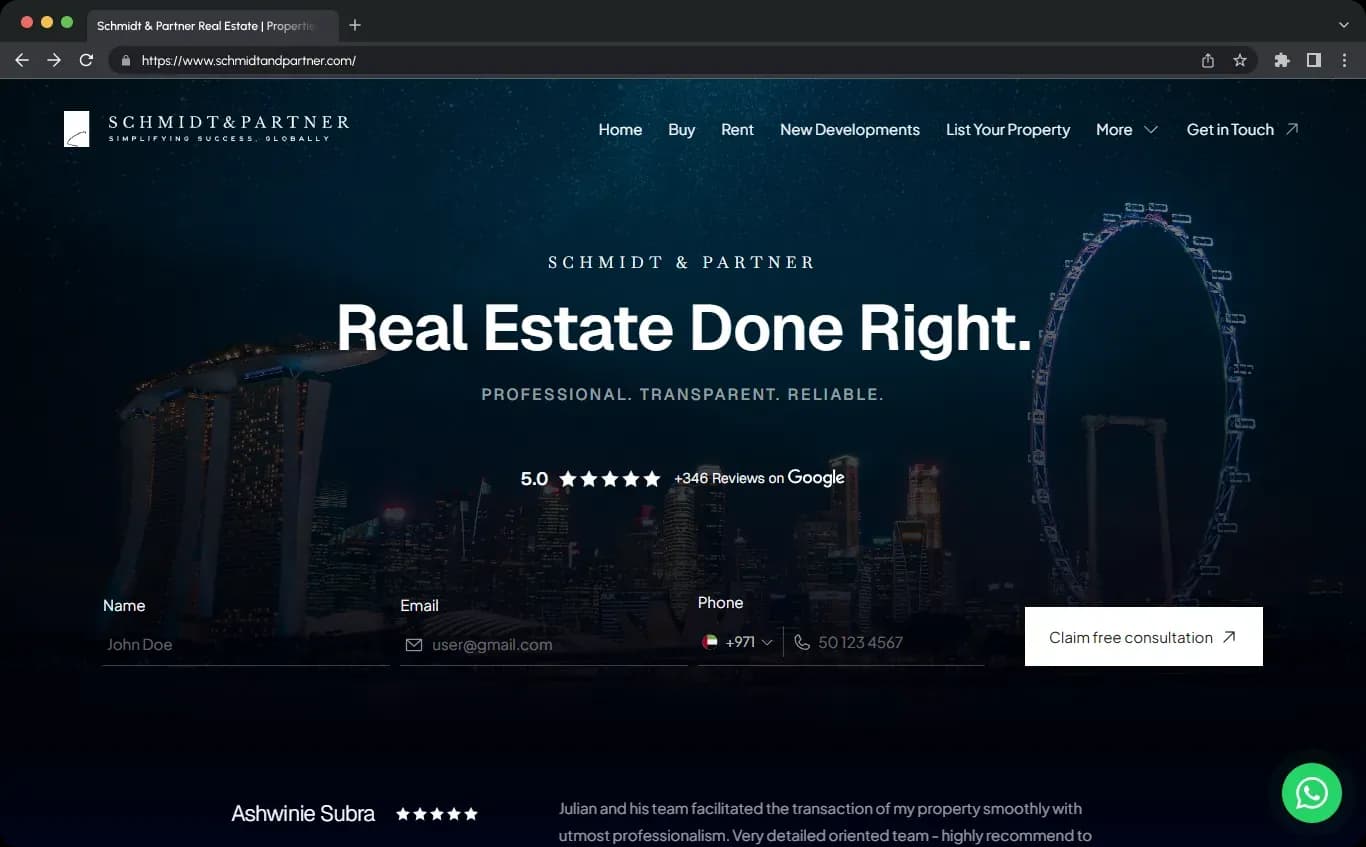
Building a real estate website from scratch is one of the smartest moves we can make if we want more control over our brand, our leads, and our long-term growth. Third-party platforms can help with visibility, but they rarely help us build a true asset. When we create our own real estate website, we own the experience, the messaging, and the path visitors take from browsing property listings to contacting us.
The goal is not just to make a website that looks modern. We want a professional real estate website that makes people trust us quickly, browse properties easily, and reach out without friction. That combination of trust, usability, and conversion is what turns a simple real estate site into a lead-generating website.
Many agents and brokerages depend heavily on Zillow, social media, or brokerage profile pages. Those channels matter, but they come with limits. We do not fully control the branding, we do not own the platform, and in many cases our competitors appear right next to us. That means we are helping someone else build authority instead of building our own digital storefront.
A custom real estate website changes that. It gives us a place to publish neighborhood pages, rank for local SEO terms, showcase testimonials, capture leads, connect to a CRM, and present our services in a way that reflects the actual business. In practice, that matters more than trying to copy a giant portal.
Before choosing a domain, theme, or real estate website builder, we need to decide what the website is supposed to do. This is where many projects go off track. If the plan is vague, the site becomes a pile of pages instead of a conversion system.
We recommend starting with one simple objective: create a site that helps visitors trust us quickly, find what they need, and contact us without resistance. From there, we can define the primary business goal.
The best real estate websites are specific. They do not try to be everything to everyone. If we focus on first-time buyers, luxury listings, condos, relocation clients, investors, or a specific city or neighborhood, the site becomes more persuasive.
Possible audience segments include:
Most real estate agent websites need one dominant conversion goal. That might be:
Everything on the site, from the homepage layout to the contact forms, should support that goal.
Not every project needs the same structure. Some sites are mostly branding-focused, while others depend on search filters, map search, and listing pages. For most businesses, the ideal setup is a mix of an agency website and a property listing website.
If we are building from scratch for an agent or small brokerage, a lead-focused agency site with featured listings, buyer pages, seller pages, and neighborhood guides is usually the strongest starting point.
When people search how to build a real estate website, they usually want to know whether they should use WordPress, Wix, Squarespace, or another website builder. The answer depends on how much control, flexibility, and real estate functionality we need.
In most cases, WordPress is the strongest long-term option. It gives us full ownership, better SEO flexibility, a huge plugin ecosystem, and room to add IDX, CRM integration, advanced content, and custom landing pages later. If we want a simple brochure site now but a more advanced real estate lead generation website later, WordPress handles that transition well.
| Platform | Best for | Strengths | Limitations |
|---|---|---|---|
| WordPress | Custom real estate website, SEO, growth | Ownership, flexibility, IDX support, scalability | More setup work |
| Wix | Beginner-friendly setup | Easy design, templates, fast launch | Less flexible long term |
| Squarespace | Polished brand presentation | Elegant templates, simple editing | Less robust for advanced listings features |
If we choose WordPress, there are two smart paths:
For many projects, a real estate-specific theme is the faster route because it already includes property post types, advanced search filters, listing templates, and agent pages. The big lesson is simple: choose a setup you will not outgrow.
A real estate business website needs two foundations: a domain and hosting. The domain is the public address, and the hosting is where the site lives.
The best domain names are short, easy to spell, brandable, and usually .com if available. We can use our name, team name, brokerage name, or market niche if it sounds natural.
If we use WordPress, we want hosting with:
Some beginner-friendly hosting providers are attractive because they are cheap and simple to set up, but the main thing is reliable WordPress support. Once hosting is purchased, WordPress can usually be installed in one click.
One of the best ways to create a real estate website efficiently is to avoid designing every pixel from zero. A high-quality starter template gives us a strong homepage layout, about page, blog structure, contact page, property pages, and footer framework. Then we customize instead of rebuilding.
If we plan to use Elementor, setting pages to full width where needed can make customization much easier. After theme installation, we can add the essential plugins.
We recommend choosing the simplest demo closest to the final style we want. It is much easier to refine a clean template than to untangle one loaded with unnecessary sections and effects.
A real estate site works best when the structure follows the user journey. Buyers, sellers, and investors all need different information, and they should be able to find it quickly. That means we need a sitemap before we start filling pages with copy.
If we are building for a team or brokerage, agent profile pages and agency pages also become essential.
This is where many sites miss the mark. A lot of real estate websites try too hard to imitate Zillow or Redfin. But most local businesses will not beat giant portals at pure search utility. What we can do better is create a more human, more trustworthy, and more direct experience.
That means the homepage should not rely only on a property search bar. It should answer four questions immediately:
Instead of vague slogans, we should use human-centered messaging. For example:
That kind of copy is more useful than generic branding language because it reflects what visitors actually care about.
Real estate website design matters, but copy often matters more. Visitors do not respond well to empty slogans or overblown claims. They respond to clarity, local knowledge, and reassurance.
We should avoid lines that sound impressive but say nothing. Buyers and sellers are usually stressed, uncertain, and trying to reduce risk. Good copy should speak to those feelings directly.
The best real estate website copy is clear, client-focused, and easy to scan. On buyer and seller pages especially, we should focus less on ourselves and more on what the visitor needs and what happens next.
The about page is one of the most visited pages on many real estate agent websites. It should build trust, not read like a dry resume. We can include our story, credentials, local expertise, service philosophy, awards, and team details, but everything should connect back to how that experience helps the client.
A dedicated buyer page should explain how we help with:
Strong calls to action include Schedule a buyer consultation, Get new listing alerts, or Download our first-time buyer guide.
A seller page should focus on outcomes and process. Visitors want to know how we price homes, market them, present them, and guide negotiations.
This page should remove friction. We recommend including:
Offering a book-an-appointment option can work especially well because many people are more comfortable scheduling a short call than making a cold phone call.
If we want to make a property listing website or a full real estate lead generation website, listing presentation matters enormously. Property pages should not just display data. They should help visitors picture the home and reduce hesitation.
If we use a dedicated WordPress real estate theme, these pages are often powered by custom post types. That makes it much easier to manage title, price, area size, bedrooms, bathrooms, city, neighborhood, labels, documents, videos, and assigned agents from the dashboard.
This is one of the most overlooked parts of real estate website setup. Before entering dozens of listings, we should define the categories and taxonomies that power search and filtering. Doing this early prevents a mess later.
When these are organized from day one, advanced search filters, map search, and listing pages become far easier to manage.
If we are creating an IDX real estate website, we need to understand the difference between MLS and IDX. The MLS is the private listing database used by agents and brokers. IDX is the technology that displays approved listing data publicly on our website.
Without IDX, we are usually managing listings manually. That can work well for curated featured listings, boutique sites, or smaller inventories. But if we want broad MLS-fed property inventory, IDX integration is usually necessary. It is often a paid service, and approval timelines vary by MLS.
A high-performing property website does not just display listings. It helps people find what they want and gives them multiple easy ways to start a conversation.
Maps are a major usability feature on many real estate sites. Common options include Google Maps API, Mapbox, and OpenStreetMap. Google Maps is familiar to users, but it often requires billing and API configuration. Whatever option we choose, maps should genuinely improve the experience rather than exist only for looks.
Each form should be short, specific, and connected to a clear next step. We also need to test delivery carefully. WordPress forms do not always send reliably out of the box, especially to Gmail, so SMTP setup is often worth the effort.
A real estate website that closes deals needs more than design. It needs systems. If leads disappear into an inbox without follow-up, the site is not doing its job.
CRM integration helps us:
Appointment scheduling also helps conversions. A visible booking button or showing scheduler reduces back-and-forth and gives hesitant prospects a lower-pressure way to engage.
One generic real estate page rarely converts as well as dedicated pages. Buyers and sellers have different motivations, fears, and questions. We should reflect that in the site architecture.
Local SEO for real estate is often won at the neighborhood level. We may not outrank giant portals for broad searches, but we can build authority around specific local terms and hyper-local searches.
Neighborhood guides are some of the strongest SEO assets we can publish because they align with high-intent searches such as:
This kind of hyper-local content builds both search visibility and trust because it shows actual market familiarity, not generic city-level copy.
A real estate blog can support SEO, authority, and lead generation, but only if we maintain it. A neglected blog with very old posts can make the whole website feel abandoned.
If we can commit to publishing consistently, strong topics include:
If we cannot maintain a full blog, a smaller resources section is often the better option.
Lead magnets help convert casual visitors into real leads. In real estate, useful downloadable resources often perform better than aggressive pop-ups because they offer genuine value.
We can promote these through the homepage, blog posts, buyer pages, seller pages, and property pages. The key is to keep lead capture helpful and natural.
Not every lead generation tactic builds trust. Some real estate sites push too hard with instant overlays, hard-to-close pop-ups, and intrusive chat tools before visitors have even seen the content. That usually increases annoyance more than conversions.
We recommend a softer approach:
The best real estate websites reduce friction instead of creating it.
Mobile optimization is essential. A large share of property browsing happens on phones, and if the mobile version is clumsy, the site will lose both trust and leads.
If we are using Elementor or another visual builder, responsive mode makes this much easier to test across desktop, tablet, and mobile layouts.
Real estate websites are often image-heavy, so performance optimization matters. A slow site hurts conversions, SEO, and the overall impression of professionalism.
Accessibility improves usability for everyone and supports better search visibility as well.
Real estate is a high-trust business. Visitors are making expensive, emotional decisions, so the website needs to reduce uncertainty at every step.
We recommend featuring testimonials on the homepage and also creating a dedicated reviews page if we have enough strong social proof.
Your website should be the hub of your digital marketing, not an isolated brochure. Once the site is live, we should connect it to the other tools that support follow-up and lead nurturing.
This allows us to turn a single inquiry into an ongoing relationship through listing alerts, neighborhood updates, market reports, and automated email sequences.
AI tools can speed up many parts of the process, including sitemap planning, page outlines, copy drafts, listing descriptions, and blog ideation. That can be useful, especially when launching quickly. But local expertise, human judgment, and authentic messaging still matter more.
We can use AI to move faster, but the final site should still sound like a real business serving real people in a real market.
Before publishing, we should run through a full pre-launch checklist. This is where small mistakes get caught before they cost us leads.
We also recommend asking a colleague or client to test the site. Watching someone else try to browse properties or contact us often reveals friction points we would miss ourselves.
Launching is not the end. A strong real estate website improves over time. Once the site is live, we should keep updating listings, adding local content, publishing market reports, refining calls to action, and reviewing analytics.
Useful questions to review regularly include:
That ongoing refinement is how a real estate site becomes a true business asset instead of just an online brochure.
Real estate website cost depends on platform, design complexity, IDX needs, plugins, and whether we build it ourselves or hire professionals.
| Build type | Typical range | What it includes |
|---|---|---|
| DIY basic site | Low hundreds to low thousands | Domain, hosting, theme, builder, basic plugins |
| DIY with IDX and premium tools | Higher ongoing monthly cost | IDX subscription, premium plugins, CRM, booking, email tools |
| Professional custom site | Several thousand and up | Branding, custom design, advanced integrations, custom templates |
A simple site can launch fairly quickly if branding, photos, and copy are ready. A more advanced custom real estate website often takes longer, especially if we are waiting on IDX or MLS approvals.
If we had to reduce the whole process to one principle, it would be this: building a real estate website from scratch is less about coding and more about choosing the right system, organizing the content properly, and presenting the business in a way that makes clients feel confident.
The best real estate websites have clear branding, easy navigation, strong property presentation, mobile-friendly design, local SEO structure, and friction-free contact options. They do not try to be everything. They know exactly who they serve and what action they want visitors to take.
When we build that kind of site, we are not just creating an online presence. We are building a long-term asset that supports credibility, authority, lead generation, and real business growth.
For most businesses, WordPress is the best platform if we want flexibility, ownership, SEO control, and room to grow. Website builders like Wix and Squarespace are easier for beginners, but WordPress is usually stronger for a custom real estate website with advanced features.
Not always. If we only need curated featured listings or a branding-focused realtor website, manual listings may be enough. If we want live MLS-fed property inventory and on-site search, IDX is usually necessary.
At minimum, we recommend a homepage, about page, buyer page, seller page, contact page, listings page, and a few neighborhood pages. Over time, adding blog posts, FAQs, testimonials, and local area pages will make the site more useful and more competitive in search.
Yes. With WordPress, Elementor, and modern real estate themes, we can build a professional real estate website without writing code. The bigger challenge is usually structure, messaging, and strategy, not programming.

Hey, in Propphy we're determined to make a business grow. My only question is, will it be yours?
It's totally free, with no commitments
Hey, in Propphy we're determined to make a business grow. My only question is, will it be yours?
It's totally free, with no commitments