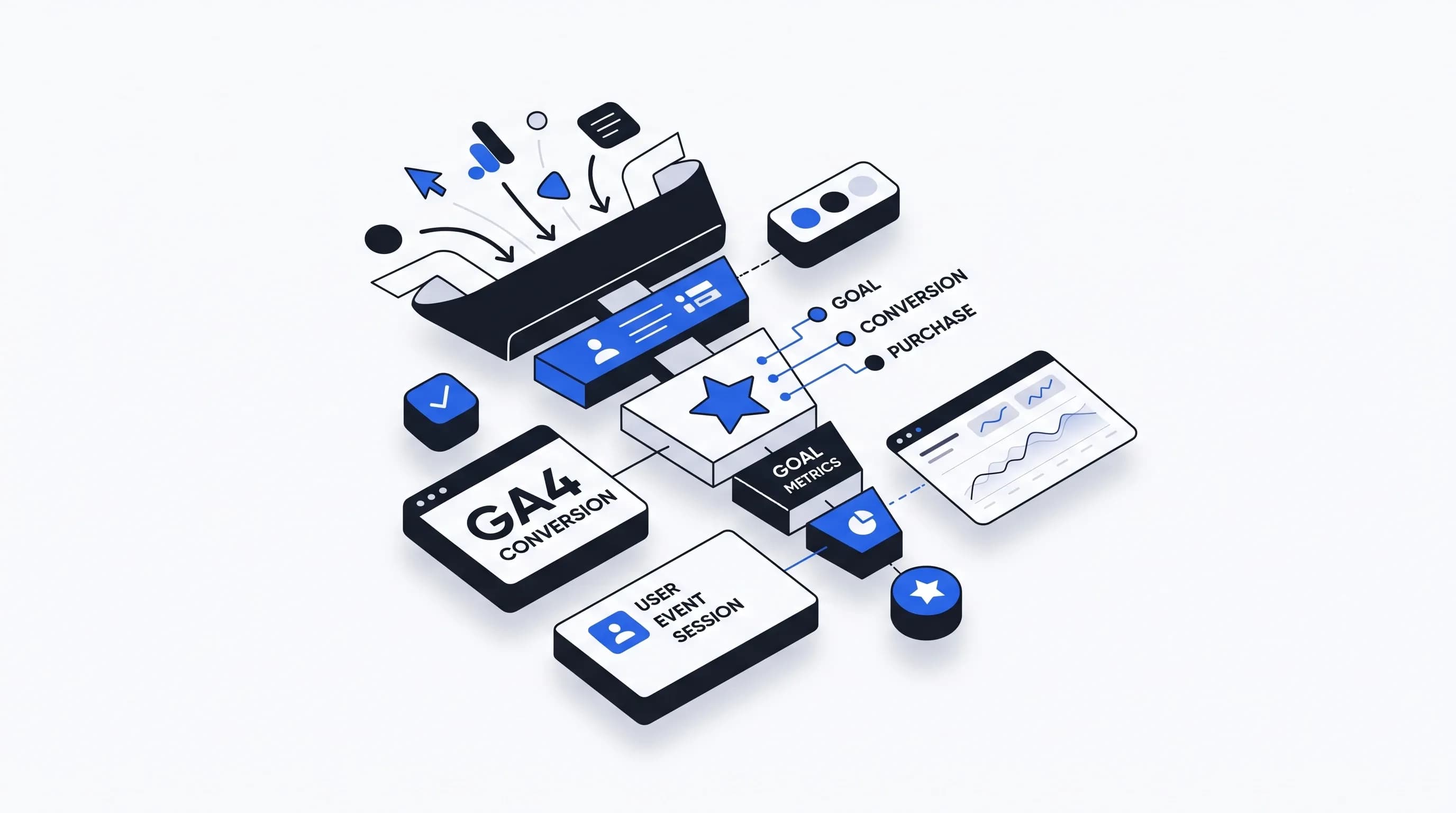
Measuring conversions with Google Analytics is how we move from traffic data to actual business outcomes. Sessions, pageviews, and clicks are useful, but they do not tell us whether users completed the actions that matter most. When we want to know if our marketing is generating purchases, leads, sign-ups, demo requests, downloads, or other valuable customer actions, we need proper conversion measurement.
In Google Analytics 4, or GA4, that process looks a little different than it did in Universal Analytics. Many of us have had the same initial reaction the first time we tried to find conversion data in GA4: where did the conversion rate go? The answer is that the data is still there, but GA4 uses newer terminology, an event-based model, and more customizable reporting. Once we understand that structure, conversion tracking becomes much more flexible and much more useful.
In this guide, we will explain what a conversion is in Google Analytics, how GA4 conversion tracking works, how to mark an event as a key event, how to measure session conversion rate and user conversion rate, where to find conversion reports, and how to avoid the mistakes that cause misleading data.
A conversion is a valuable action completed by a user. It is an action that represents success for the business. In real-world reporting, that usually means one of the following:
Not every interaction should be treated as a conversion. A page view is usually not a conversion. A scroll is usually not a conversion. A session start should definitely not be a conversion. We can still track those events, but we should reserve key event or conversion status for actions that reflect a real business goal.
One of the biggest sources of confusion in Google Analytics 4 is the language change. What many users used to think of as conversions inside Analytics are now generally called key events.
In practical terms, GA4 works like this:
The simplest way to think about it is:
Event → Key Event → Conversion
So when we talk about how to measure conversions in Google Analytics, what we usually mean in GA4 is this:
If that key event is also important for paid campaign optimization, we can then create or import it as a Google Ads conversion.
Conversion measurement shows what happens after users arrive on the site. Instead of asking only whether people visited, we can ask whether they completed the desired action. That makes Google Analytics far more useful for decision-making.
When conversion tracking is set up properly, we can:
A channel with thousands of sessions may look strong at first glance, but if it produces poor conversion performance, it may not be driving meaningful results. On the other hand, a smaller traffic source with a strong session key event rate may be one of the most valuable channels in the mix.
GA4 uses an event-based framework. That means there is no separate goals system in the old Universal Analytics sense. Instead, important actions are measured as events, and then the events that matter most are marked as key events.
At a high level, the setup process is straightforward:
That is the foundation of modern Google Analytics conversion tracking.
Before we can measure a conversion, we need the underlying event. This is the most important starting point. If the event is not firing correctly, every report built on top of it will be wrong.
Common examples of conversion events in GA4 include:
purchasesign_upgenerate_leadform_submitfile_downloadGA4 Enhanced Measurement can automatically collect some interactions. In some cases, forms may generate events like form_start and form_submit. That can be helpful, but we should never assume it is reliable across every form on every site. Some forms work perfectly, some only partially, and some do not behave the way we need.
That is why we always recommend testing with Realtime reports, DebugView, Tag Assistant, or Google Tag Manager Preview before trusting the data.
If a successful lead submission or signup redirects users to a thank-you page, this is often the cleanest no-code approach. We can create a new event based on a page view where the URL contains something like /thank-you, then use that new event as our conversion event.
This is usually much better than marking page_view itself as a key event, which would turn every page load into a conversion and make the data meaningless.
For dynamic forms, button-based actions, AJAX submissions, bookings, or on-page success messages that do not load a new URL, Google Tag Manager is often the best solution. GTM gives us more control over when the event fires and helps us create cleaner, more reliable GA4 conversion tracking.
With Google Tag Manager, we can fire a GA4 event on:
This is especially useful for lead generation websites where the most important action does not produce a unique confirmation page.
We can also implement conversion measurement directly with gtag.js. This means adding the Google tag and the event code manually on the site. It is a valid method, although for many teams, Google Tag Manager is easier to maintain because it allows changes without editing the site code each time.
Once the event is being collected, we need to tell Google Analytics that it represents an important business action.
In GA4, the basic workflow is:
That is the moment when a normal event becomes part of conversion measurement inside Google Analytics 4.
A few practical notes matter here:
In many properties, the most useful conversion setup is not simply marking an existing event as important, but creating a more precise event first.
For example, suppose we want to measure a lead conversion when a user reaches a thank-you page. We should not mark every page_view as a key event. Instead, we create a new event such as generate_lead based on a condition like URL contains thank-you, then mark that new event as a key event.
This lets us transform a general interaction into a true business goal.
GA4 may also allow settings such as a counting method, which can be important for repeated actions:
If repeated submissions in the same session are legitimate and valuable, once per event may make sense. If multiple occurrences in the same visit should not inflate performance, once per session may be more appropriate.
The best conversion events are actions tied directly to business value. We want events that represent meaningful progress or completed success.
Strong examples include:
Weaker examples include:
Those softer interactions can still be tracked as events because they can support analysis, but they should not replace true business outcomes. If we mark too many low-value events as key events, reporting becomes noisy and campaign optimization gets worse.
Once key events are configured, the next challenge is finding the data. This is where many users feel GA4 is harder than expected. The information is there, but it often needs to be surfaced through the right report setup.
One of the most useful standard reports is:
Reports → Acquisition → Traffic acquisition
This report helps us analyze how traffic sources contribute to conversion performance. We can compare organic search, paid search, direct, referral, social, email, and other channels based on actual outcomes instead of just raw visits.
Typical metrics in this report may include:
But the conversion rate metric we want is not always visible by default.
In GA4, the rate metrics are usually labeled with the newer terminology:
In some contexts, we may still hear them called session conversion rate and user conversion rate, but the logic is the same.
To add these metrics to a standard report:
If we use these reports regularly, it is worth saving the customization. Otherwise, it is easy to come back later and wonder why the metric is missing again.
One of the most important ideas in Google Analytics 4 is that there is not just one conversion rate. There are two major rate metrics, and each answers a different question.
Session key event rate measures the percentage of sessions in which at least one key event occurred.
The formula is:
Sessions with a key event ÷ Total sessions
This tells us how often visits convert. It is usually the closest replacement for the traditional website conversion rate many marketers are used to.
If we are evaluating traffic quality, landing page effectiveness, or channel performance at the visit level, this is often the most useful metric.
User key event rate measures the percentage of users who triggered a key event at least once.
The formula is:
Users who triggered a key event ÷ Total users
This tells us how often people convert, regardless of how many sessions it took. It is often especially valuable for businesses with longer consideration cycles, such as B2B, consulting, SaaS, higher-priced services, or any lead generation process where users commonly visit multiple times before converting.
The difference between session conversion rate and user conversion rate matters more than many people realize.
We can think of it like this:
Use session key event rate when we want to:
Use user key event rate when we want to:
In many cases, user conversion rate is higher than session conversion rate. That is completely normal. If a user converts once across several sessions, they count as a converted user, but their additional non-converting sessions still remain in the session denominator.
This is one of the most common GA4 reporting issues. Many users see total conversions and total sessions, divide one by the other, and assume that should equal conversion rate. But GA4 does not calculate its built-in rate that way.
For example, suppose we see:
It is tempting to calculate:
200 ÷ 1,000 = 20%
But that is not necessarily the same as session key event rate.
Why? Because key event count measures total occurrences, while session key event rate measures the percentage of sessions that contained at least one key event.
If one session produced three purchases, that still counts as just one converting session in the rate metric. So:
Those are not interchangeable.
It is also common to see more conversions than users, and that is not automatically a problem.
This can happen because:
If the event should only happen once but the count keeps repeating, we should investigate. If multiple occurrences are normal for the business model, then the numbers may be perfectly valid.
Once we have key event metrics in place, we can start doing the analysis that makes Google Analytics valuable. The Traffic Acquisition report is often the first place to look because it helps us connect conversions to marketing channels.
We can compare sources such as:
This helps answer practical questions:
At that point, we are no longer just measuring website activity. We are measuring channel quality and business outcomes.
One of the most useful extensions of channel analysis is adding a landing page dimension. This gives us more insight into why one source is outperforming another.
When we analyze conversion performance by landing page, we may find that:
That kind of reporting supports better optimization decisions. We can improve weak landing pages, scale high-performing campaigns, and understand which combinations of source and page actually drive results.
One subtle issue in GA4 is that some metrics can reflect all key events together. If we have marked several events as important, the overall key event rate may represent sessions where any of those events happened.
For example, we may have these key events:
purchasegenerate_leadsign_upnewsletter_signupIf we only care about one specific business goal, such as purchase or generate_lead, we should make sure the report isolates that event. In some standard reports, we may be able to switch the key event selection. In other situations, we may need a custom report or an Exploration.
GA4 Explorations allow us to build more flexible conversion reports. A common setup includes:
To build a basic analysis:
This creates a powerful conversion report by source and medium.
One of the most important GA4 rules is scope alignment. If we are using session-based metrics such as session key event rate, we should use session-based dimensions such as Session source / medium.
Mixing session-scoped, user-scoped, and event-scoped dimensions incorrectly can produce misleading data.
If we filter an exploration too aggressively to only show purchase, the denominator may become distorted and the conversion rate can look artificially high, even approaching 100%. This happens because we may have excluded non-converting sessions from the report.
A practical workaround is to include a broader denominator event such as session_start alongside the target event. For purchase-focused analysis, a filter like this can help:
session_start|purchaseThis keeps the session denominator more realistic while still isolating the conversion event we want to analyze.
If we want an ecommerce-specific conversion view, the simplest approach is to focus on the purchase event.
In a standard report:
This gives us a purchase-focused session conversion rate that works as an ecommerce conversion metric in GA4.
In Explorations, we can create a purchase-based table using session source / medium plus metrics like ecommerce purchases, ecommerce revenue, and session key event rate. If we need cleaner purchase rate logic, we can use the session_start|purchase filtering approach described above.
For lead generation websites, form tracking is often the most important part of conversion measurement. There are three common approaches, and the right one depends on how the form behaves.
If GA4 automatic form tracking works correctly, this can be the easiest solution. We may see events such as form_start and form_submit. But because not every form implementation behaves the same way, we should test every important form individually rather than assuming they all work.
If the form redirects to a confirmation page, this is usually the simplest and most reliable setup. We create a new GA4 event based on the thank-you page view and mark that event as a key event.
If the form submits without loading a new page, GTM is often the strongest option. We can trigger a GA4 event when a form is submitted successfully, when a success message becomes visible, or when a data layer event confirms completion.
One mistake to avoid is double counting. If GA4 automatic form tracking is already firing and we also send our own GTM event for the same action, conversion counts can be inflated. We should verify that only the intended event is being used.
Counts are important, but conversion values often make reporting much more meaningful. Ecommerce sites usually pass real transaction data such as revenue, order ID, and currency. Lead generation businesses can also benefit from assigning a notional value to a conversion event.
For example:
This does not mean each lead is guaranteed to produce that exact amount. It means we are giving Analytics a business-weighted signal that helps compare traffic sources based on value, not just event counts.
One of the most useful parts of modern conversion measurement is the relationship between GA4 and Google Ads. A key event in Google Analytics can be used to create or import a Google Ads conversion, giving us more consistent cross-channel measurement.
For example:
scroll and generate_leadgenerate_lead is the more valuable business actiongenerate_lead as a key event in GA4This is far more useful for ad optimization than a softer metric like scroll depth.
If we use the same important action across Analytics and Ads, we get:
This matters especially for Google Ads, Performance Max, and other campaigns that rely heavily on conversion data for learning and bidding.
In some cases, businesses also implement Google Ads conversion tracking directly using the Google tag or Google Tag Manager. The common process includes:
A typical example looks like this:
gtag('event', 'conversion', {
  'send_to': 'AW-XXXXXXX/XXXXXXX',
  'value': 100.0,
  'currency': 'USD'
});
This is useful when we want platform-specific conversion measurement inside Google Ads, especially for direct ad optimization and clean value passing.
If a business uses Display & Video 360 or Campaign Manager 360, conversion measurement may also involve Floodlight tags. These are used for enterprise media tracking and can support both non-sales and sales outcomes.
Main Floodlight types include:
These implementations often use the Google tag and event tags, and may include values such as advertiser ID, order ID, and revenue. For organizations managing conversion reporting across multiple Google marketing platforms, this becomes part of a broader cross-channel measurement framework.
Many users compare GA4 with Universal Analytics and assume a lower conversion rate means worse performance. That is not always true. Sometimes the metric is simply being calculated differently.
GA4 session key event rate aligns more closely with sessions that had at least one conversion event. That is not the same as some older ecommerce-style calculations that looked more like total conversions divided by sessions.
So if performance appears different after migration, we should be very careful before drawing conclusions. Often the issue is not that the website got worse, but that the reporting model changed.
purchase, sign_up, and generate_lead make reporting much easier.page_view as a key event instead of creating a specific eventIf we were setting up conversion measurement for a typical business website, this is the workflow we would follow.
purchase tracking is implemented properlyFor a fast read on performance, one of the best weekly checks is:
Reports → Acquisition → Traffic acquisition
We recommend making sure the report includes:
From there, we can compare channels like Organic Search, Paid Search, Direct, Referral, Email, and Social. If we need more insight, we can then add landing page analysis or move into Explorations.
Measuring conversion with Google Analytics today is really about understanding how GA4 structures business outcomes. Everything starts with events. The events that matter most should be marked as key events. Then we need to read the right metrics, in the right reports, with the right interpretation.
The most important ideas to remember are these:
When we get this right, Google Analytics stops being just a traffic dashboard. It becomes a true business performance system that helps us understand which channels, campaigns, and pages are actually driving results.
That is the real value of GA4 conversion tracking: not just collecting data, but using conversion measurement to make better marketing decisions.

Hey, in Propphy we're determined to make a business grow. My only question is, will it be yours?
It's totally free, with no commitments
Hey, in Propphy we're determined to make a business grow. My only question is, will it be yours?
It's totally free, with no commitments